
Preview · Android
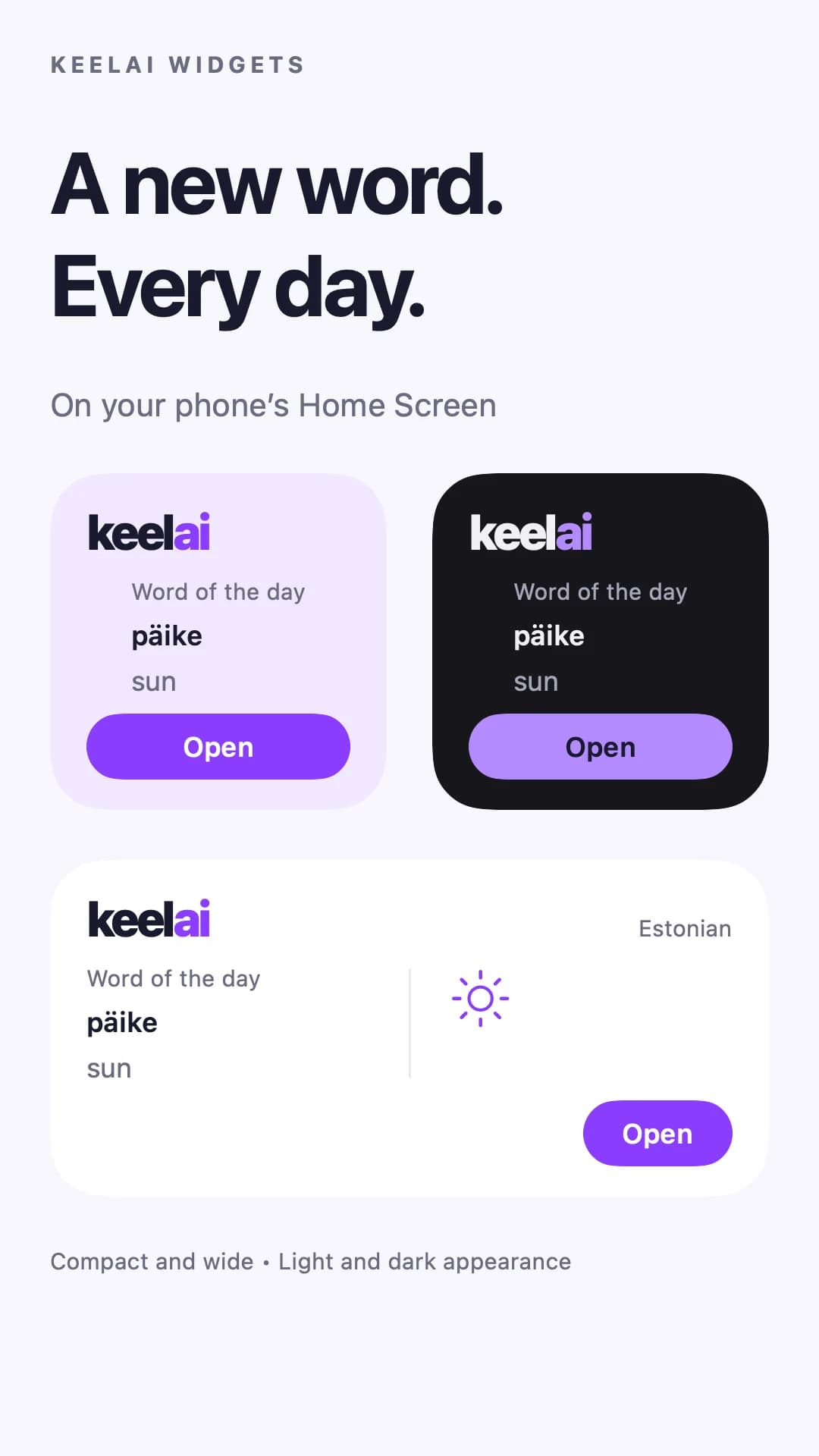
A word a day on your home screen
See a daily word and its translation without opening the dictionary. Tap the widget to open that exact word and explore it in the app.
Android: 1.0.3 — available · iPhone: 1.0 — in review
Recall a new word, return to your book or start a short practice session. A widget puts the next step beside your clock and calendar.
Choose an appiPhone and Android · updates are rolling out
Preview · Android
See a daily word and its translation without opening the dictionary. Tap the widget to open that exact word and explore it in the app.
Android: 1.0.3 — available · iPhone: 1.0 — in review
Preview · Android
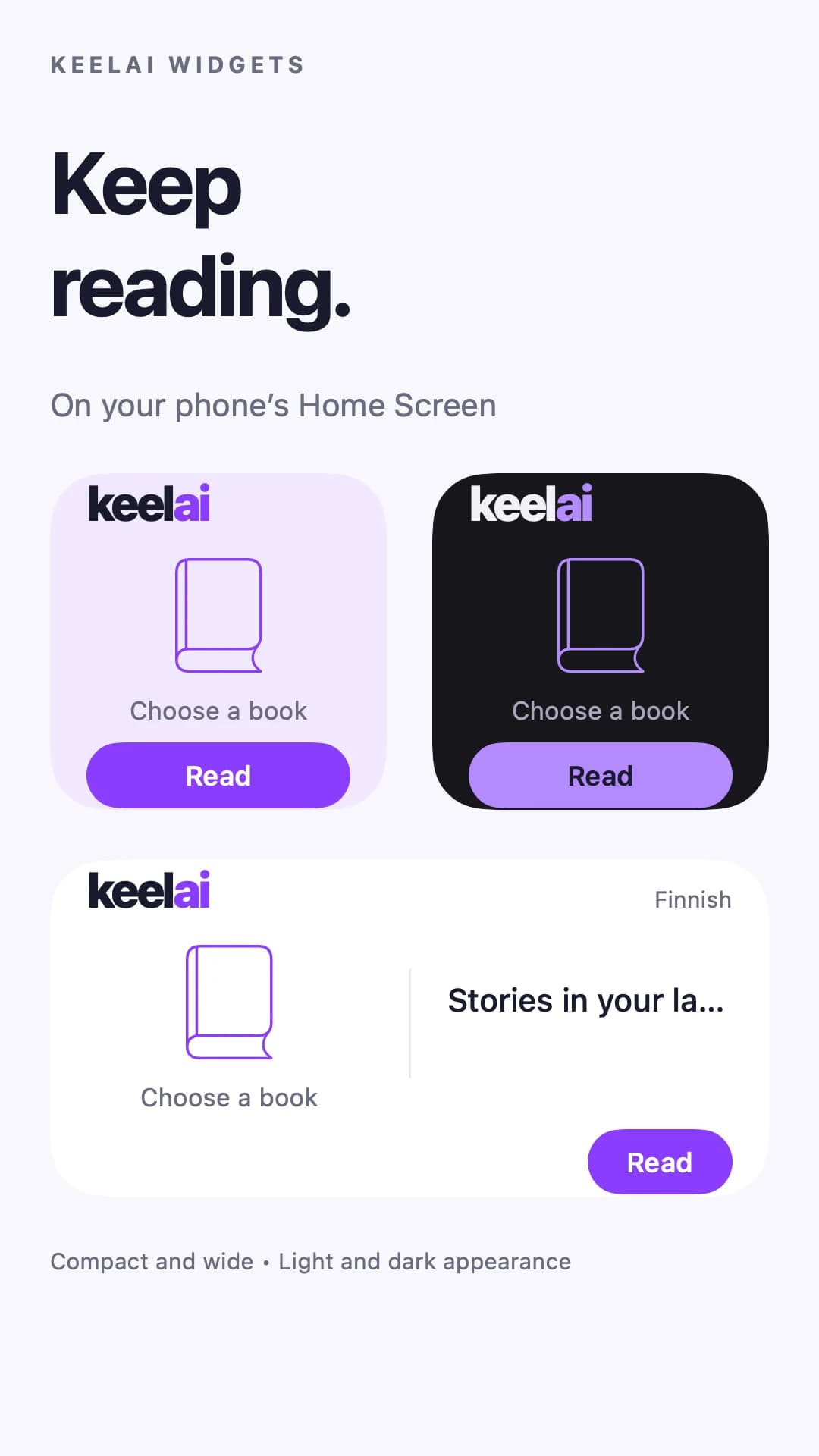
See your most recent unfinished book and saved reading percentage. Tap to continue where you left off. If you have not chosen a book yet, open one in the reader first.
Android: 1.0.4 — available · iPhone: 1.0.4 — in review
Preview · Android
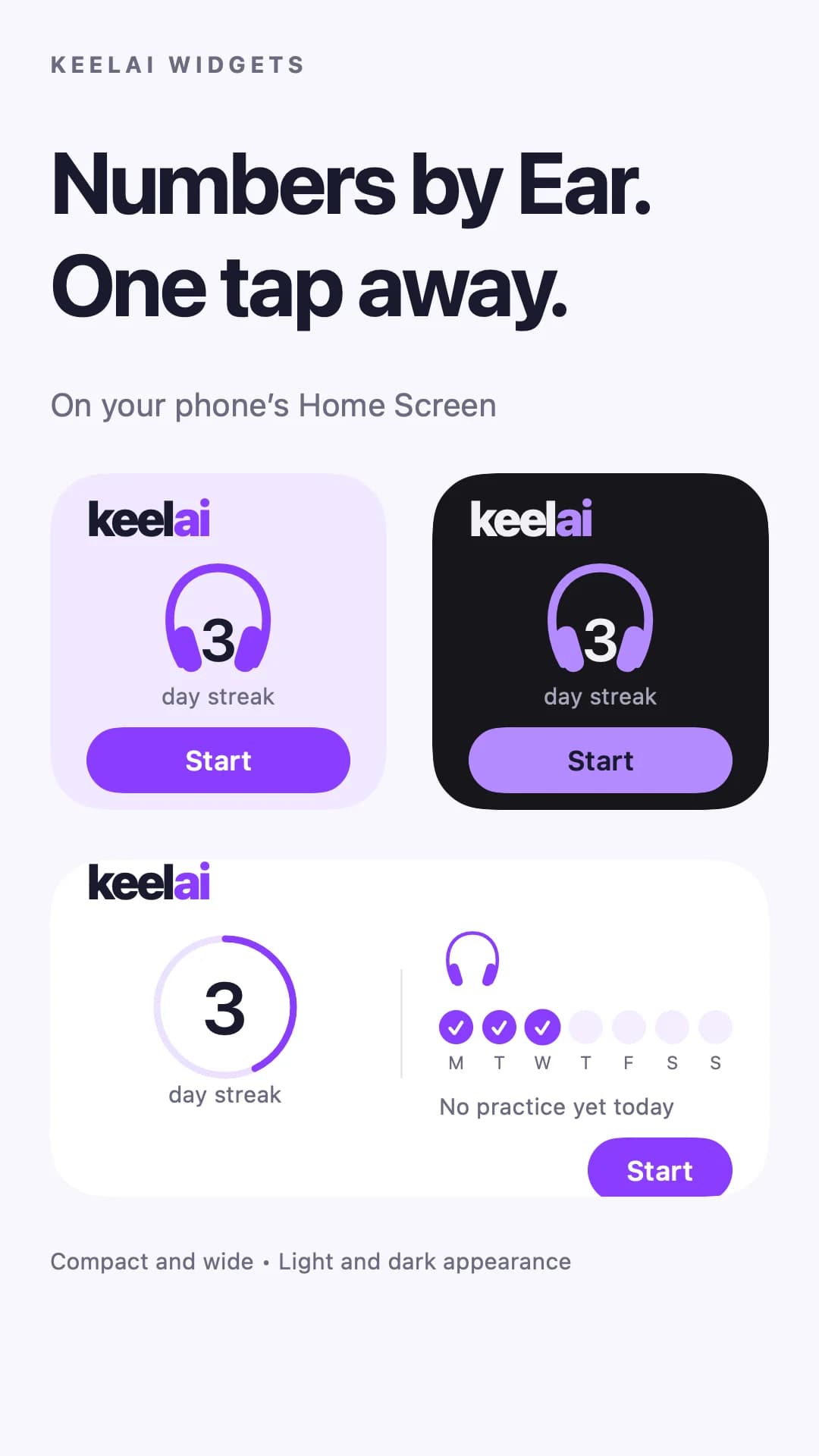
See your streak and practice days this week. Tap to open Today in Numbers by Ear and start your next listening session.
Android: 1.1.5 — available · iPhone: 1.1.5 — available
Preview · Android
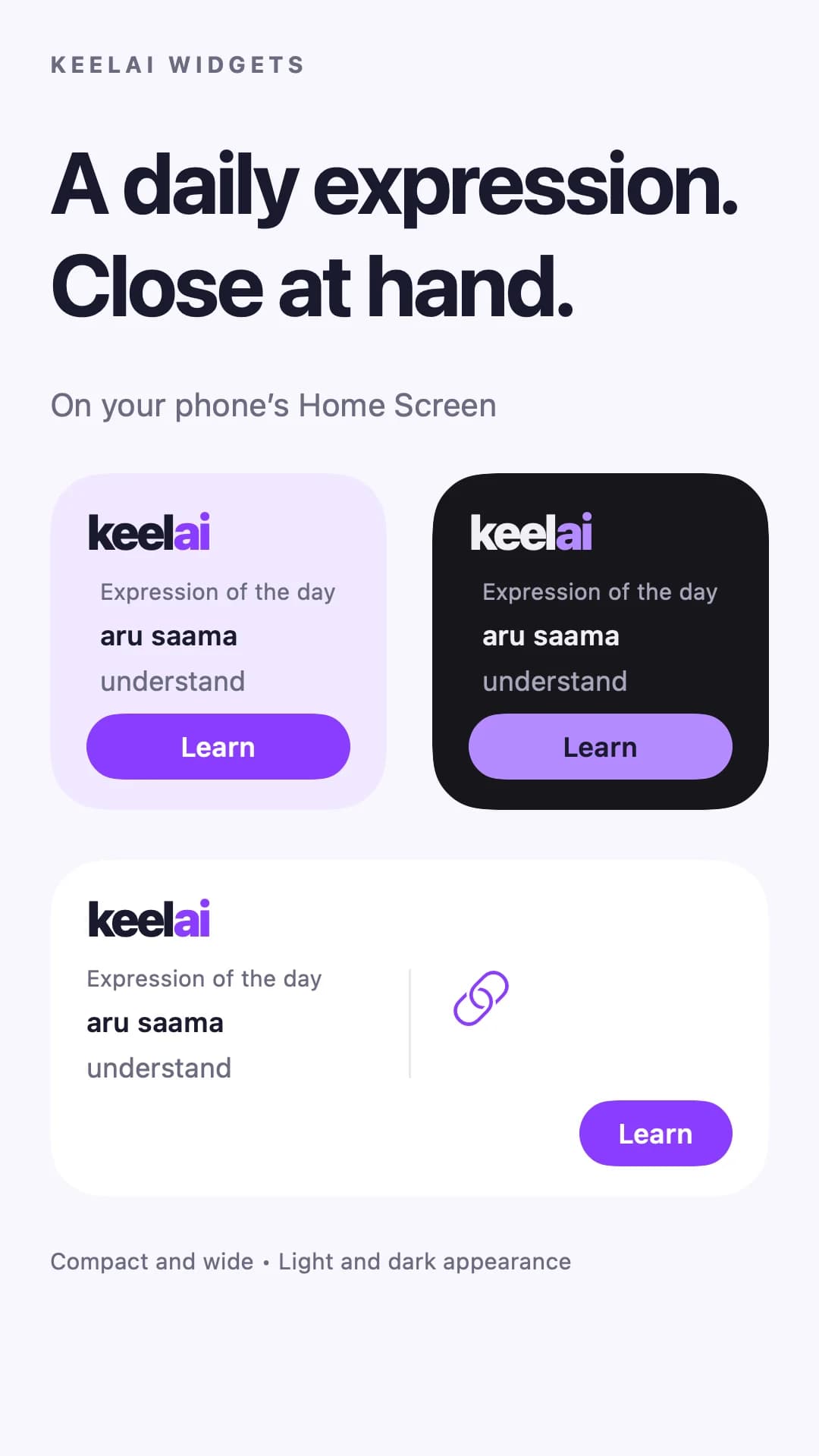
An expression, translation and example from a course you can access, right on your home screen. Tap to open that verb in the app.
Android: 1.1.1 — available · iPhone: 1.1.2 — in review
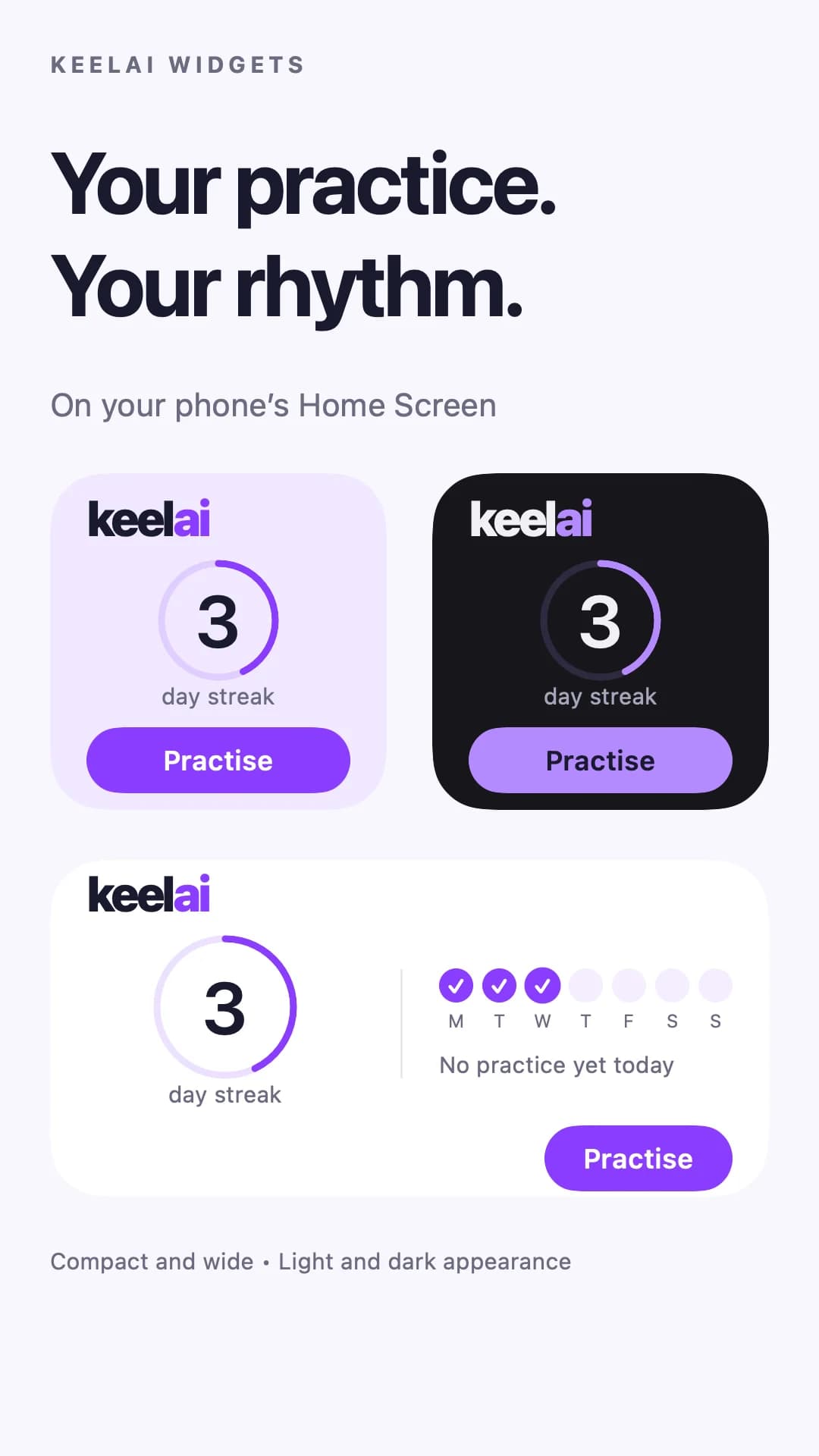
Preview · Android
See your practice streak and active days this week. Tap the widget to return to practice in KeelAI.
Android: 1.0.7 — in review · iPhone: 1.0.25 — in review
The table lists widget-update versions. “In review” does not mean the base app is unavailable: the store may offer an earlier version without the widget.
Checked: 2026-10-30
Practice on your home screen
A shortcut to listening practice
A compound verb a day
Return to your book from the home screen
Return to your book from the home screen
Return to your book from the home screen
Return to your book from the home screen
Return to your book from the home screen
Return to your book from the home screen
A word a day on your home screen
A word a day on your home screen
A word a day on your home screen
A word a day on your home screen
A word a day on your home screen
A word a day on your home screen
A word a day on your home screen
A word a day on your home screen
A dictionary widget shows a daily word and translation. It is a small encounter with the language, not a replacement for exercises: tap the word to open it in the dictionary and continue practising.
No. They belong to installed iPhone and Android apps and appear on your phone’s home screen. They are not lock-screen widgets.
Check the release table, install the widget update and open the app at least once. An update marked in review is not yet available in that store.
Dictionaries and Compound Verbs offer daily material. Reading and practice progress come from the app. Your phone’s operating system controls background refresh timing, so an instant update is not guaranteed.
No. The widget opens the relevant app screen. It does not start audio automatically.